Evaluating Infographic Clipart for Professional Presentations
Effective visual communication relies heavily on the ability to translate complex data into digestible formats. For professionals managing tight deadlines, infographic clipart for presentation serves as a critical bridge between raw information and audience comprehension. Unlike generic stock photography, specialized clipart assets are engineered specifically to convey processes, statistics, strategies, and management concepts without the visual noise that often distracts from the core message. When sourced correctly, these assets transform standard slide decks into professional-grade visual narratives.
The value of a comprehensive clipart library lies not just in aesthetic appeal, but in functional utility. A well-curated collection provides the building blocks necessary to construct custom diagrams, flowcharts, and reports rapidly. Whether you are a marketing manager outlining a quarterly strategy or an educator explaining a scientific process, the right graphical elements ensure your content remains accessible, engaging, and professionally consistent across all deliverables.
Technical Versatility and File Format Standards
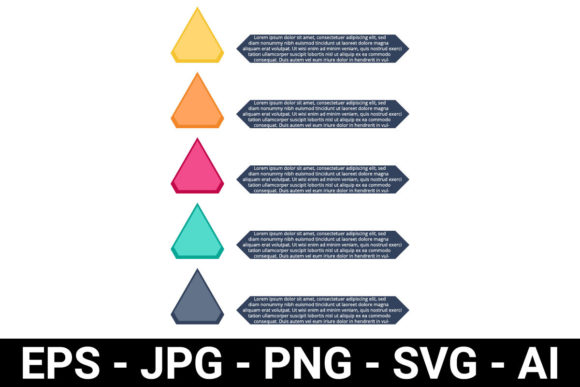
When evaluating digital assets for business use, file format diversity is a primary indicator of quality and long-term value. A robust infographic clipart package must go beyond simple raster images. While JPG and PNG files offer immediate usability for web-based presentations and quick drafts, they lack the scalability required for high-stakes environments. Professional workflows demand vector-based formats, specifically AI, EPS, and SVG.
Vector graphics are mathematically defined, meaning they can be scaled infinitely without pixelation. This is essential when creating large-format prints like brochures, banners, or trade show displays alongside standard digital slides. Furthermore, editable vector files allow designers and non-designers alike to modify colors, adjust line weights, and rearrange elements to match specific brand guidelines. An isolated PNG with a transparent background is useful for dropping onto existing layouts, but the accompanying SVG or EPS file ensures that the asset remains future-proof and adaptable to new projects. Without this flexibility, clipart becomes a disposable commodity rather than a sustainable design resource.
Functional Categories for Business Communication
The most effective infographic clipart libraries are organized by function rather than mere visual style. In a professional context, users are typically searching for solutions to specific communication challenges. High-quality asset packs categorize elements based on their rhetorical purpose within a presentation or report.
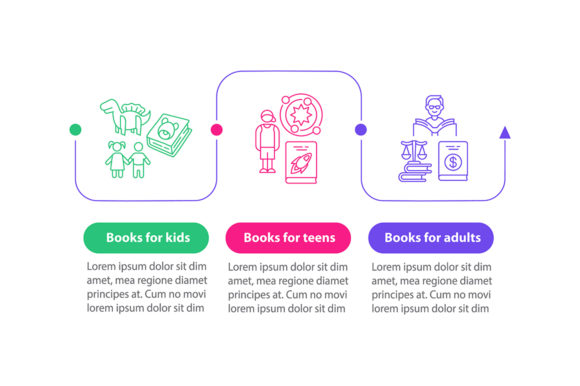
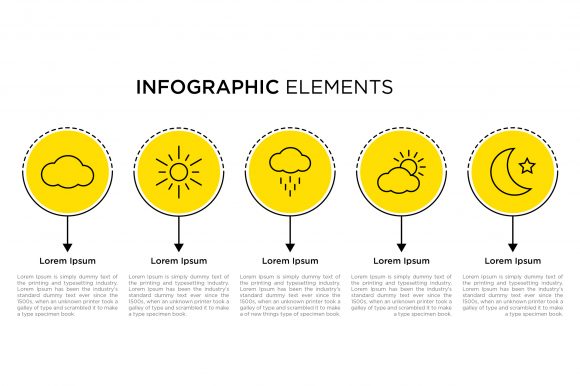
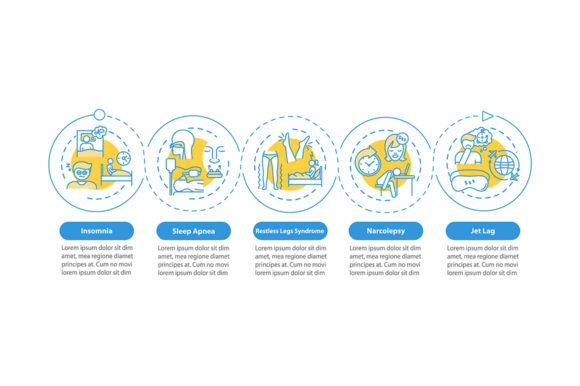
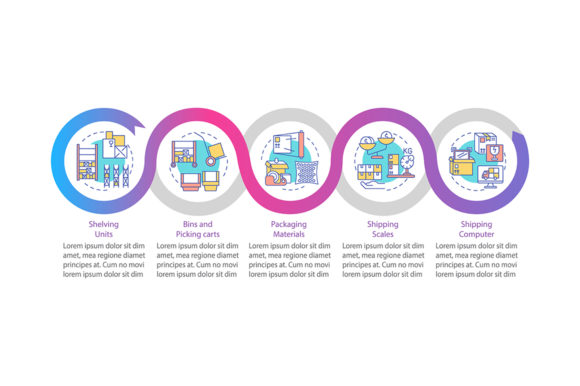
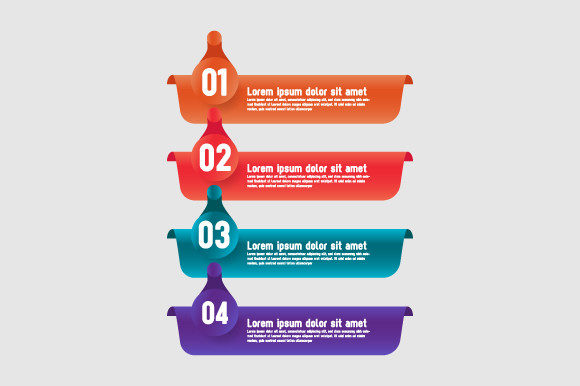
- Process and Workflow: Step-by-step diagrams, phase indicators, and timeline graphics are indispensable for project management and operational reporting. These elements visualize progression and help stakeholders understand sequential dependencies.
- Data and Statistics: Beyond standard bar charts, modern clipart includes stylized graph elements, percentage indicators, and comparative metrics. These allow for the presentation of quantitative data in a way that aligns with the overall design language of the document.
- Strategy and Planning: Assets depicting targets, funnels, hierarchies, and organizational structures support high-level strategic discussions. They provide visual metaphors for abstract business concepts like market penetration or team alignment.
- Labels and Tags: Often overlooked, consistent labeling systems are crucial for navigation in dense documents. Printable tags, call-out boxes, and numbered badges help guide the reader’s eye through complex information architectures.
When these categories are present and cohesive, the clipart functions as a modular design system. Users can mix a process diagram from one section with a statistic element from another, confident that the stroke widths, color palettes, and stylistic choices will remain harmonious.
Assessing Visual Consistency and Design Quality
A common pitfall in assembling presentations is the "Frankenstein effect," where mismatched visual styles undermine credibility. Infographic clipart for presentation must exhibit strict internal consistency. When reviewing a potential asset pack, examine the line weight, corner radius, shadow usage, and color saturation across different categories. A flat design icon should not sit next to a glossy 3D render unless intentional contrast is the goal.
Modern business aesthetics favor clean, minimalist, and flat design styles. These approaches reduce cognitive load, allowing the audience to focus on the data rather than decorative flourishes. However, minimalism requires precision; every line and shape must be intentional. Poorly constructed vector paths, uneven spacing, or amateurish proportions become glaringly obvious when scaled up on a projection screen or printed in a brochure. Reliable assets demonstrate professional craftsmanship, ensuring that your final output looks bespoke rather than assembled from disparate parts.
Practical Applications Across Professional Roles
Different professionals leverage these assets in distinct ways, making versatility a key purchasing criterion. Understanding your specific use case helps determine which features matter most.
Marketers and Content Creators
For this group, speed and brand alignment are paramount. Marketers frequently repurpose content across channels. A single infographic created using scalable vector clipart can serve as a slide in a pitch deck, a vertical graphic for social media, and a printable insert for a direct mail campaign. The ability to quickly recolor elements to match seasonal campaigns or client branding makes these assets significantly more valuable than static illustrations.
Educators and Trainers
Clarity is the primary metric for educational content. Teachers and corporate trainers benefit most from pictograms and symbolic representations that transcend language barriers. Simple, bold symbols representing concepts like "analysis," "collaboration," or "innovation" help reinforce learning objectives. Printable compatibility is also vital here, as handouts and worksheets often accompany digital instruction.
Business Analysts and Consultants
This audience deals with heavy data loads and complex frameworks. They require extensive libraries of chart elements, matrix templates, and hierarchical diagrams. For consultants, the ability to customize a generic framework template to reflect a client’s unique situation is a significant time-saver. The presence of editable text areas and modular components allows for rapid iteration during stakeholder meetings.
Workflow Integration and Efficiency Gains
The true return on investment for any digital asset is measured in time saved. Effective infographic clipart for presentation streamlines the production pipeline. Instead of drawing a five-step process cycle from scratch, a user can drag in a pre-made vector template, adjust the colors, update the text, and move on to content refinement. This shifts the focus from technical illustration to strategic messaging.
However, efficiency depends on organization. A ZIP folder containing thousands of unorganized files creates friction. Superior resources include categorized subfolders, preview sheets, or searchable metadata. Additionally, compatibility with standard software is non-negotiable. Assets should work seamlessly in Adobe Illustrator, PowerPoint, Keynote, Canva, and Figma. If a file format requires obscure plugins or conversion tools, it negates the convenience factor. Always verify that the included AI and EPS files are compatible with your current software version before committing to a resource.
Limitations and Considerations for Real-World Use
While clipart is a powerful accelerator, it is not a panacea. Over-reliance on pre-made elements can lead to generic outputs that fail to differentiate your message. It is essential to treat these assets as starting points rather than final solutions. Customization is key; changing colors, combining elements, and adding unique typography prevents the "template look" that audiences have learned to tune out.
Licensing is another critical consideration. Professionals must verify whether the assets are cleared for commercial use, especially if the resulting presentations or brochures will be distributed externally or sold as part of a service. Some licenses restrict usage to personal projects or limit the number of impressions. Always review the terms of use to avoid legal complications down the line.
Finally, consider the longevity of the design style. Trendy effects may look dated within months. Opting for timeless, structural design elements ensures that your asset library remains relevant for years. Classic geometric shapes, clean lines, and neutral base palettes tend to age better than highly stylized or thematic illustrations. By prioritizing substance over trendiness, infographic clipart for presentation becomes a durable component of your professional toolkit, supporting clear communication across countless future projects.